- Joined
- Jul 22, 2018
- Messages
- 8,449
- Motherboard
- Supermicro X11SPA-T
- CPU
- Intel Xeon W-3275 28 Core
- Graphics
- 2xAMD RX 580 8GB
- OS X/macOS
- 13.x
- Bootloader
- OpenCore (UEFI)
- Mac
- Mac mini
- MacBook Pro
- Mobile Phone
- Android
- iOS
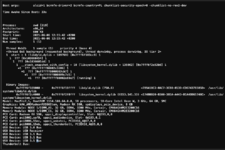
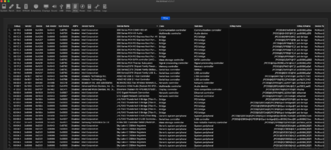
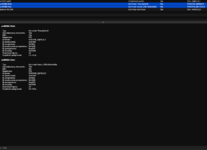
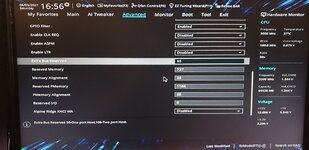
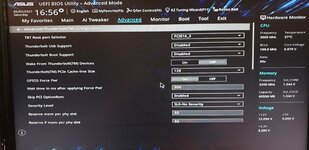
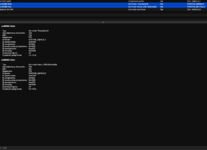
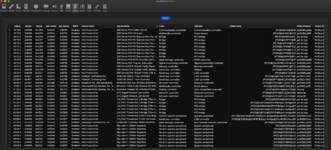
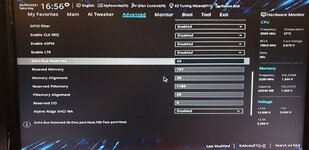
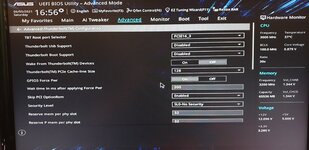
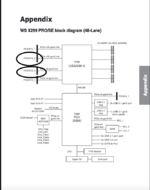
Incomplete PR files attached. For more information, refer to the PR in the first post.Hello! Thank you for your great guide. I tried to make config on my own, but I'm having same issue every time. Basically I made everything from this guide and I'm getting really strange results. I have ASUS WS X299 Pro mobo with Gigabyte Titan Ridge 2.0 TB Card and for good start my mobo sees only this card in slots highlighted on "Diagram.PNG" but i've seen on other people's builds that they were using that card in slot PCH X4 and PCIEX16_4. But really strange thing is that my card is seated in slot PCIEX16_3 but in system it reports that it is in PCIEX16_2 and in IOReg, without any ssdt, shows address: PC03.BR3A.SL09 and when I'll apply my TB SSDT it only changes it's address from SL09 to PEGP and nothing works at all plus when system boots in verbose ThunderboltReset gives: "No GenericAppleThunderboltHAL found" and I'm getting kernel panic when my it wakes from sleep every time when TB Card is enabled in UEFI. I really have to get it working cause I've bought new Motu TB Audio Interface but now it's useless. Thank you. P. S. in Windows everything works flawlessly.