

- Joined
- Oct 20, 2018
- Messages
- 26
- Motherboard
- Gigabyte Z790 AERO G
- CPU
- Intel Core i9 13700K
- Graphics
- Sapphire TOXIC AMD Radeon RX 6900 XT Extreme Edition
- OS X/macOS
- 14.x
- Bootloader
- OpenCore (UEFI)
- Mac
- iMac
- Mac mini
- MacBook Air
- MacBook Pro
- Mobile Phone
- Android
- iOS
1. Go to System Preferences

2. Go to Keyboard Option > Input Source

3. Click on + and select your language profile (In my case it is Italian)
4. Click on Add
5. Select your previous language profile (In my case it is ABC)
6. Click on - (Only your language profile should be there)
7. Cheers!! You're done.
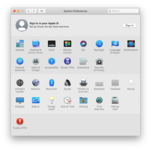
2. Go to Keyboard Option > Input Source
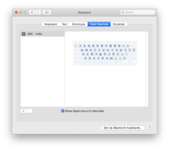
3. Click on + and select your language profile (In my case it is Italian)
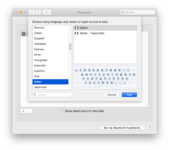
4. Click on Add
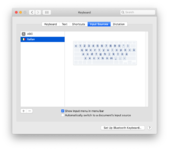
5. Select your previous language profile (In my case it is ABC)
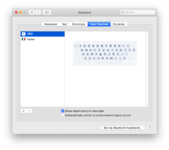
6. Click on - (Only your language profile should be there)
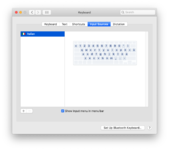
7. Cheers!! You're done.
Last edited by a moderator:


